Mic To Speaker
Karaoke mic and voice amplifier: sing, record and play back instantly.
5M+ downloads on Google Play
A small, free web tool related to this app. It is not a web version of the app and has far fewer features.
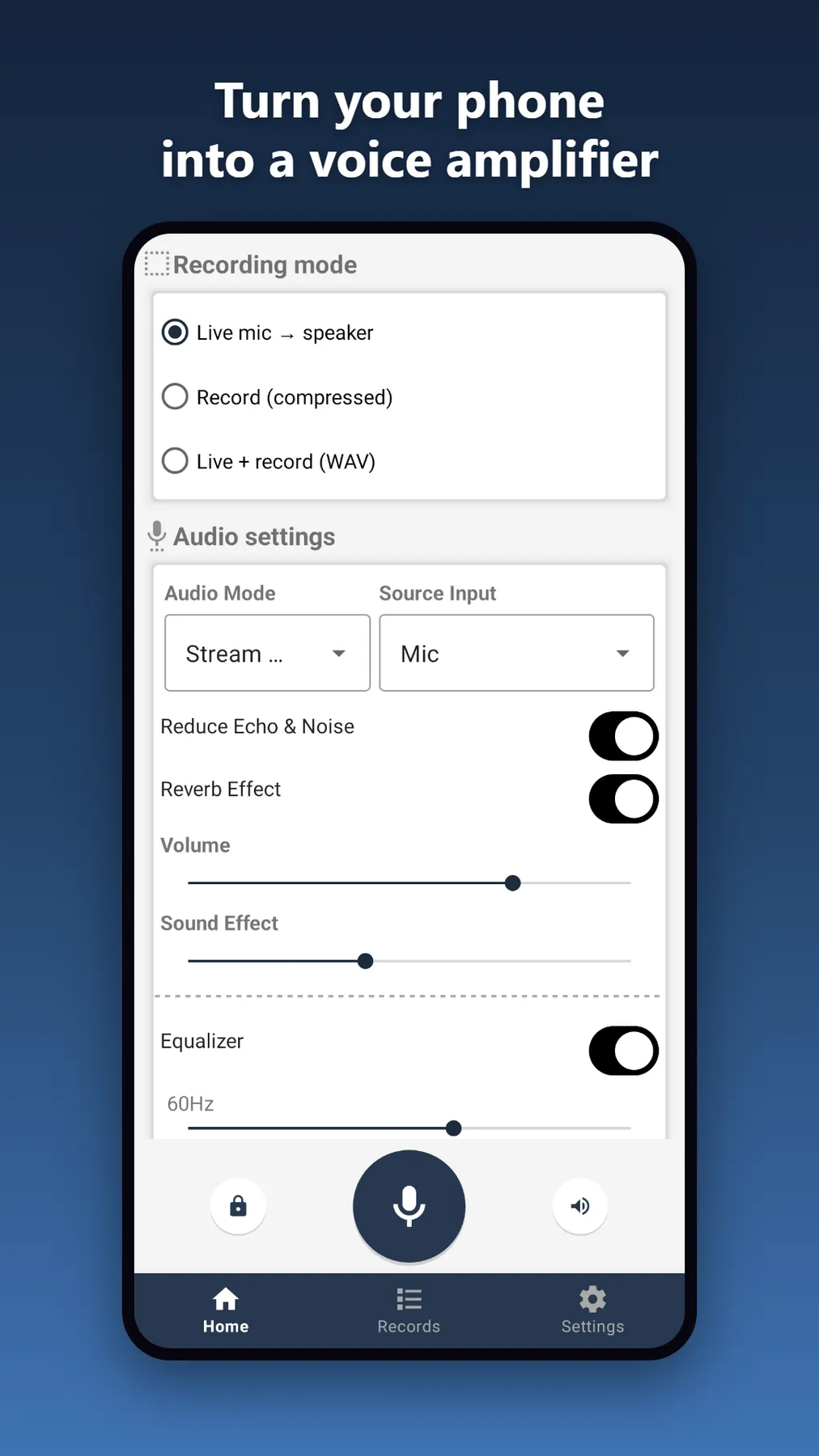
Mic To Speaker turns your phone into a karaoke microphone, voice amplifier and voice recorder, no extra hardware needed.
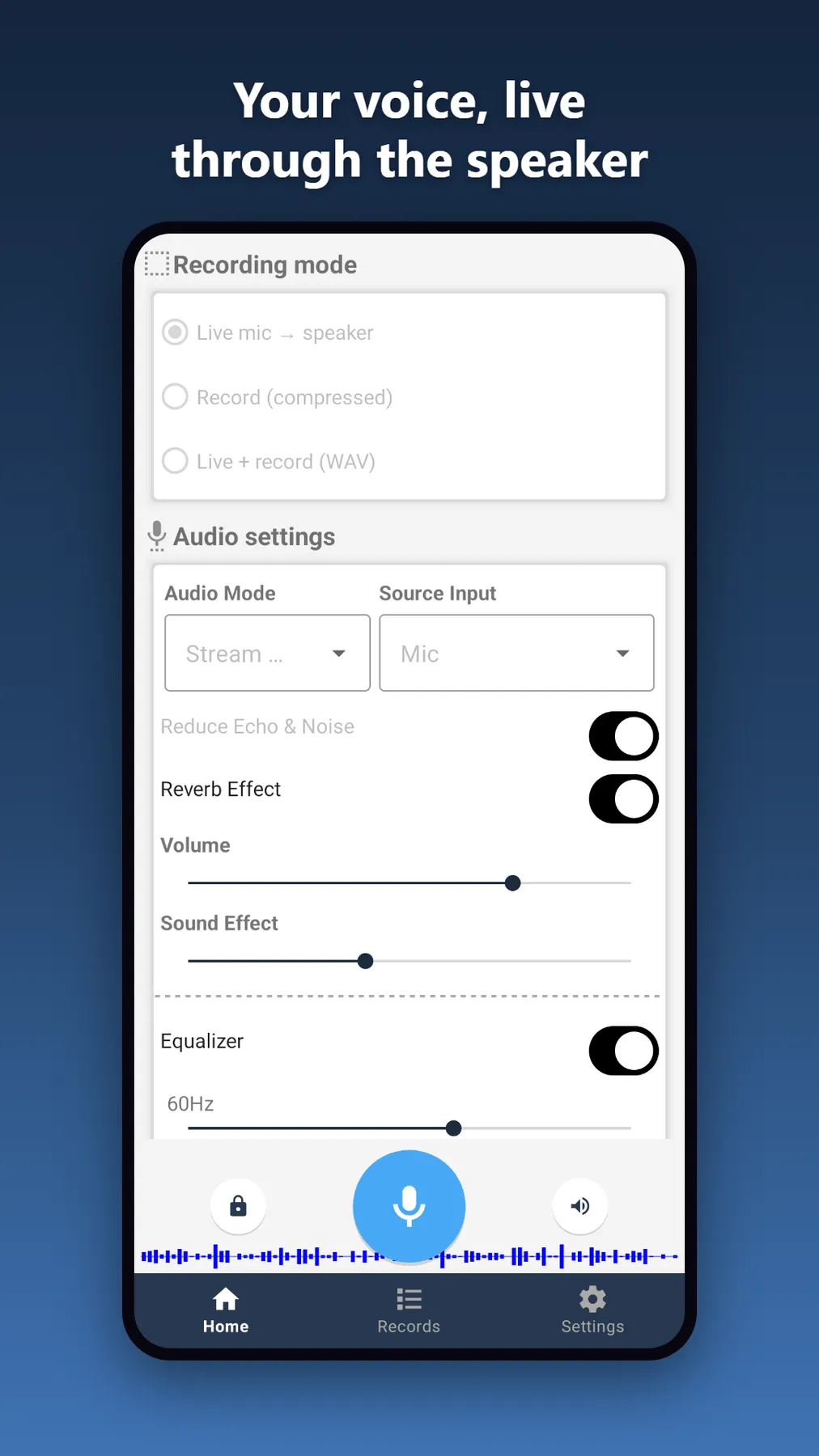
Speak or sing into your phone and hear yourself instantly through the speaker, like a portable PA system. Use it for karaoke nights, singing along to music, practicing vocals, amplifying your voice at gatherings, or just having fun with friends.
Whether you need a quick voice amplifier, a karaoke microphone or a simple voice recorder, Mic To Speaker does it all in one lightweight app.
Features
- Live mic-to-speaker passthrough: an instant voice amplifier and karaoke mic
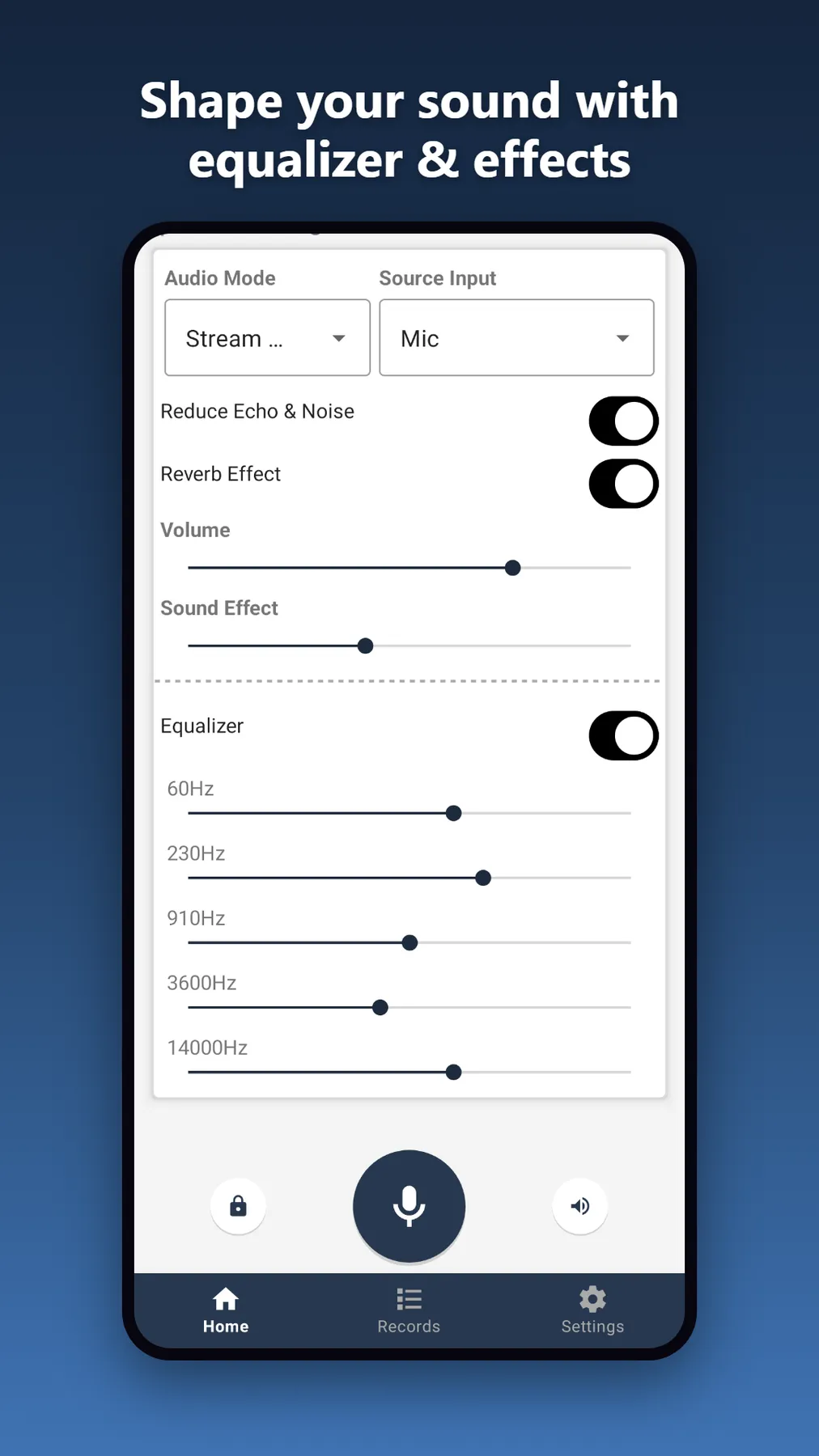
- Built-in equalizer and reverb effects for richer, karaoke-ready vocals
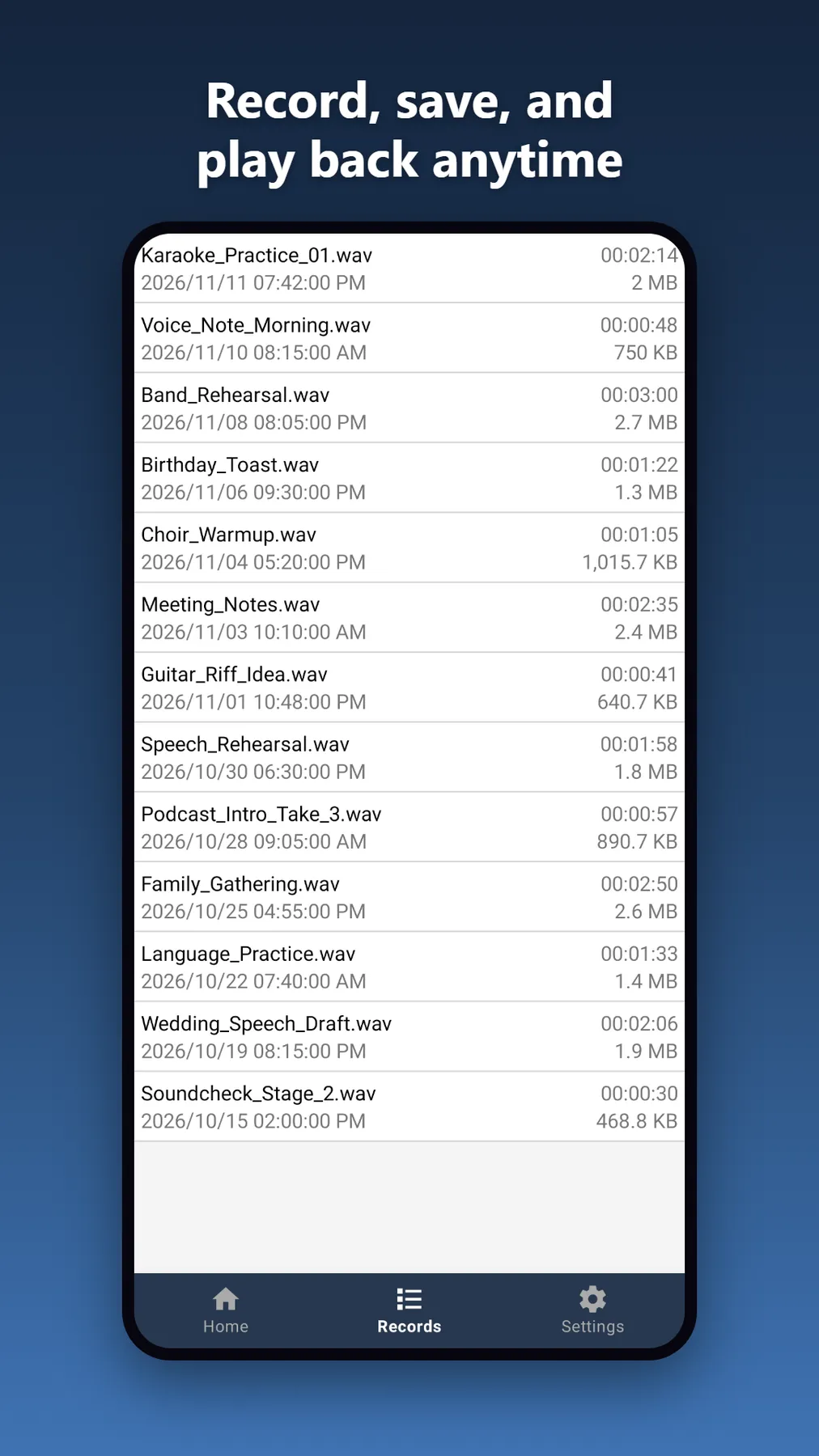
- Voice recorder with two modes: compressed to save space, or uncompressed WAV for high-quality audio
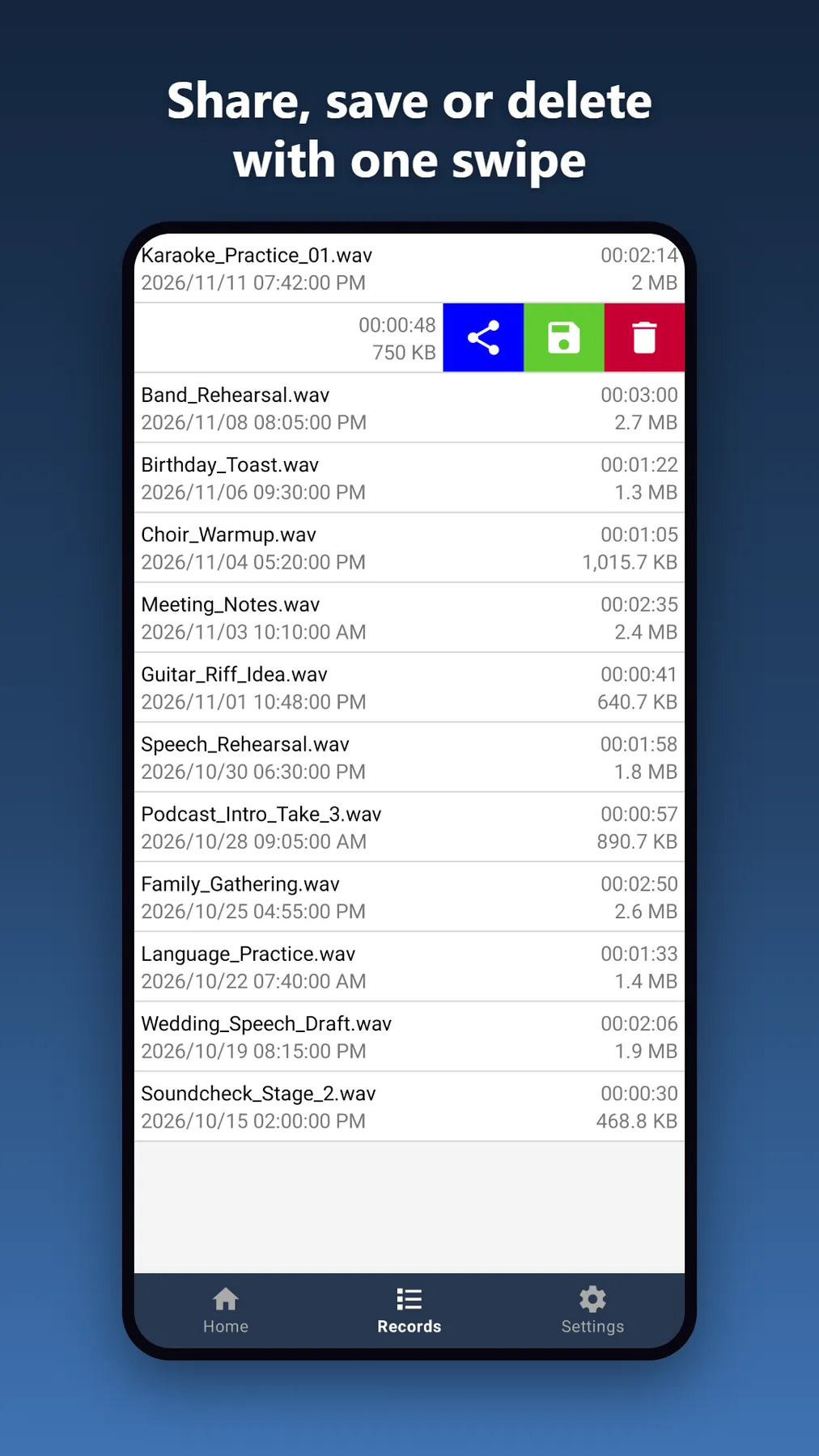
- Built-in player to play back and manage your recordings
- Share recordings via email or any app on your phone
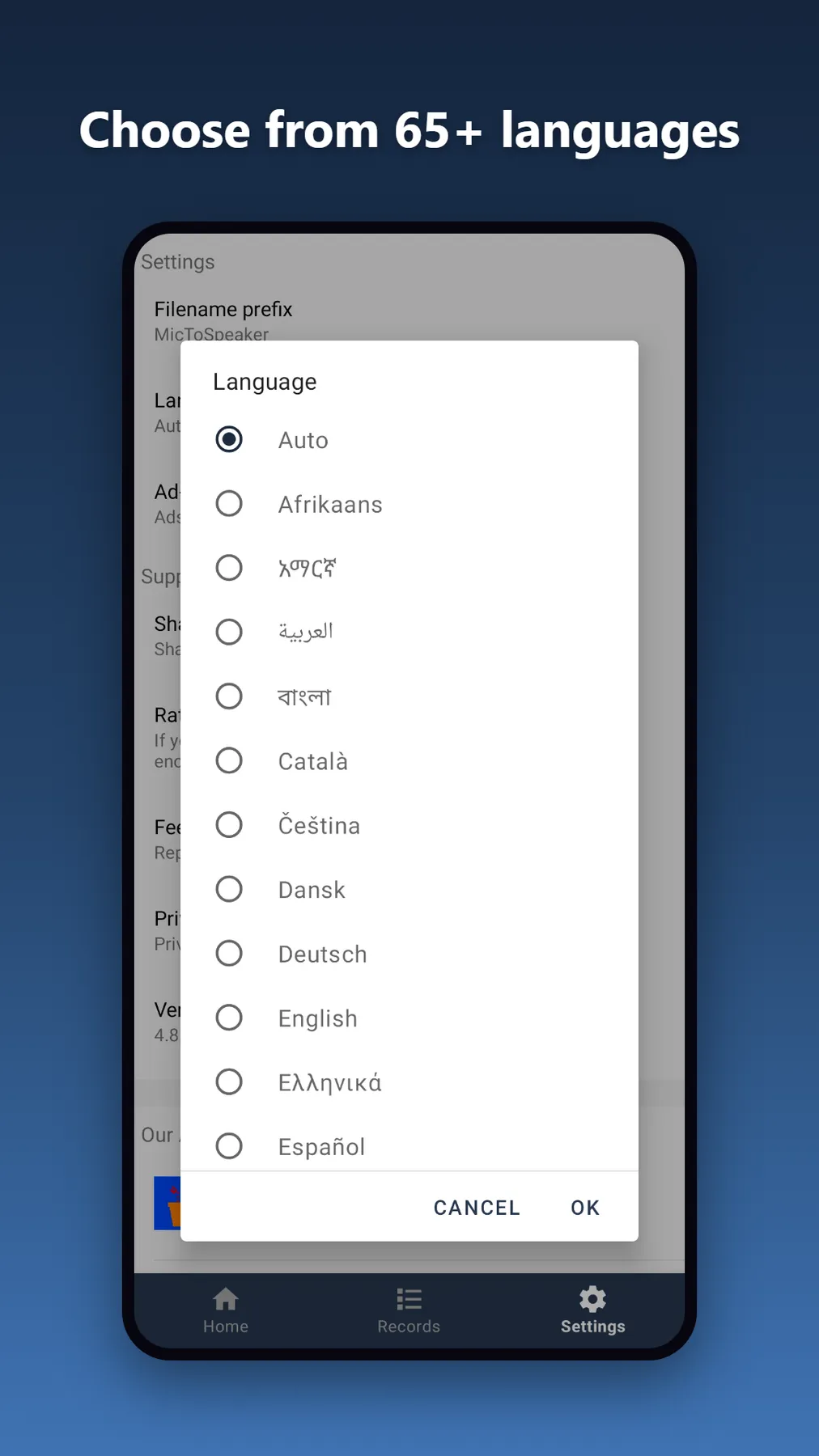
- Available in 65 languages
Free to use
Every feature (mic passthrough, recording, playback and sharing) is free, with no paywalls or locked functionality. The app is supported by ads, and you can watch one short video to turn ads off for 3 hours.
Privacy
Microphone access is used only to power the app’s recording and passthrough features. See the privacy policy for details.
Watch the demo
How to use (video tutorial)
A step by step video guide to Mic To Speaker, narrated in English with English subtitles.
What users say
★★★★★
this is great app works perfectly for my use case
Fatih T. · Google Play
★★★★★
nice app I'm using the phone mic connected via Bluetooth speaker singing songs on karaoke. Thanks
Joe M. · Google Play
★★★★★
mui. buena sube el volumen muy alto
Very good, it raises the volume very high.
Aurelio A. · Google Play
What's new
4.8.6
- Fewer freezes on slow phones: the microphone and audio are now prepared in the background
- Reduce Echo & Noise now turns the phone loudspeaker mode on by itself, and the Volume slider follows the media volume
4.8.5
- Fixed the recording mode: choosing Live + record (WAV) or Live mic to speaker right after another mode now always uses the right mode
- The mic keeps running when you rotate the phone, and the player keeps its place
- Clearer message when a Bluetooth headset is not found: for a Bluetooth speaker, set Source Input to Mic
- New: a video tutorial in Settings, and new users are offered the video once
4.8.4
- Settings > Our Apps now loads from our website, with a "More tools" row for our free web tools
- Records list opens faster and the ad banner no longer shifts the layout
- Screenshots are now allowed in the app
- Stability fixes: Bluetooth audio teardown no longer blocks the screen, and fixed a crash when the overlay-permission dialog was dismissed while the screen was closing
- Fixed the bottom tab bar being cut off on phones with a 3-button navigation bar
4.8.3
- Improved ad delivery and stability
4.8.2
- New: 13 more languages added - the app is now available in 65 languages
- Improved translations in several existing languages
- Improved stability
4.8.1
- New: the app can now tell you when an update is available and install it without leaving the app
- New: a short rating request may appear after you have used the app a few times
4.8
- New: watch one short video to turn off all ads for 3 hours
- Ads now appear less often, only when you finish recording or leave the player
- Fixed several crashes, including on starting/stopping recording, adjusting the equalizer, and some Bluetooth/OEM-specific issues
4.7
- Use a Bluetooth headset microphone as the input source
- New Echo & noise reduction switch; reverb is now optional
- Lower audio delay for live mic-to-speaker
- Fresh, modern design with clearer recording modes and a quick first-run guide
- Better screen-reader support
- Privacy policy in your language, plus new privacy options for users in Europe
- Fixed crashes and the record button needing two taps
Frequently asked questions
- Why do I hear echo or a howling sound?
- The speaker is feeding back into the microphone. Move the phone away from the speaker, lower the volume or use headphones.
- Why is there a delay over Bluetooth?
- Bluetooth audio adds some delay by design. The phone's own speaker or wired headphones give the lowest delay.
- Where are my recordings?
- Open the recordings screen in the app to play, share or delete them.