
Screen Recorder
Free screen recorder with internal audio, facecam, editor and GIF, no watermark.
10K+ downloads on Google Play
Screen Recorder captures smooth, clear videos of your phone screen with sound, perfect for game recording, video tutorials, app demos, video calls and anything else you cannot download. Record internal audio, add your face with a facecam bubble, draw on the screen, then trim the video or turn it into a GIF in the built-in editor.
Features
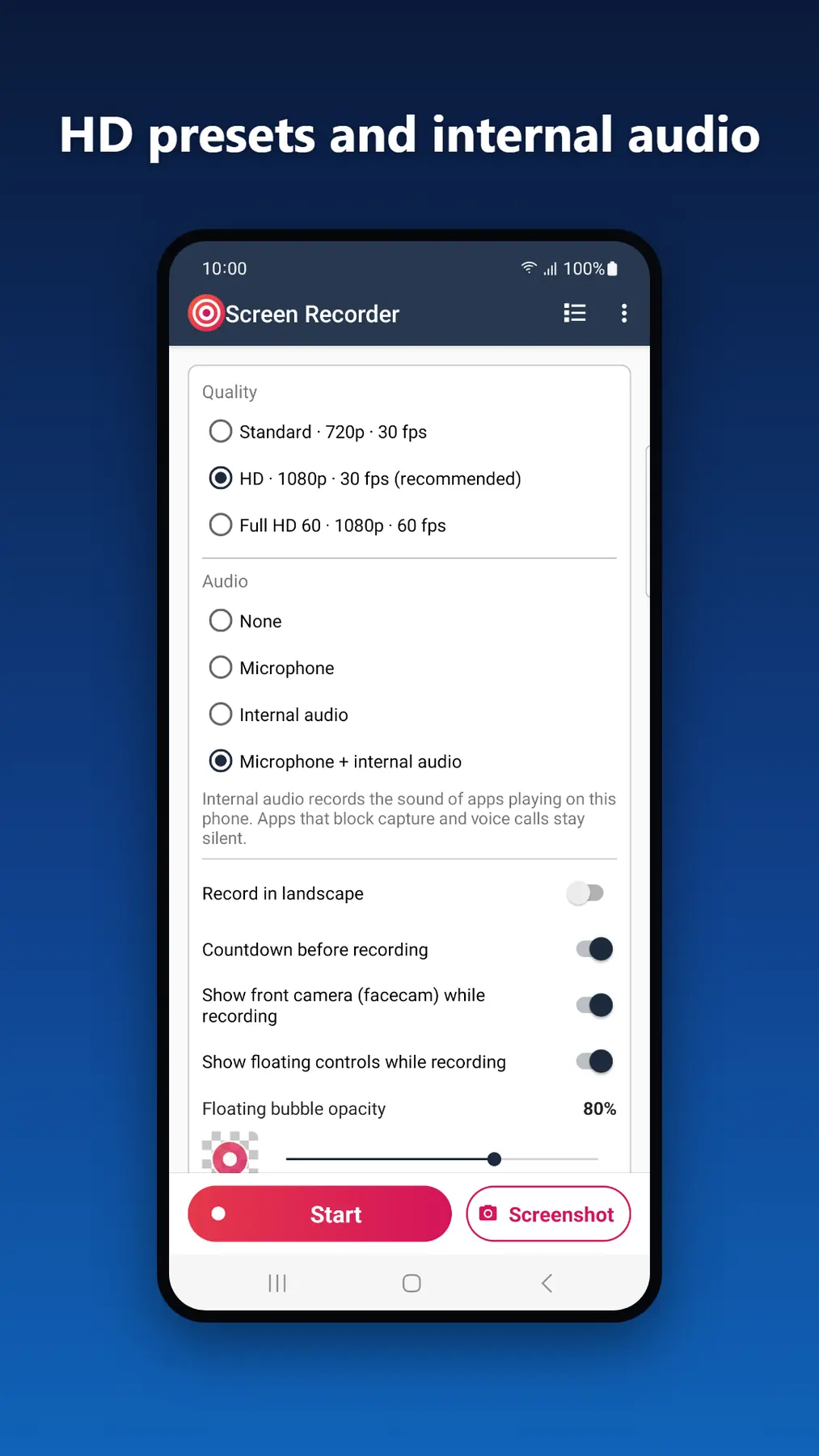
- Quality presets: pick Standard 720p, HD 1080p or Full HD 60 fps in one tap (2K and 4K on screens that support them); advanced settings for resolution, bitrate and frame rate
- Screen recording with internal audio on Android 10 and newer, with the microphone, or with both mixed together (some apps block their sound from being recorded)
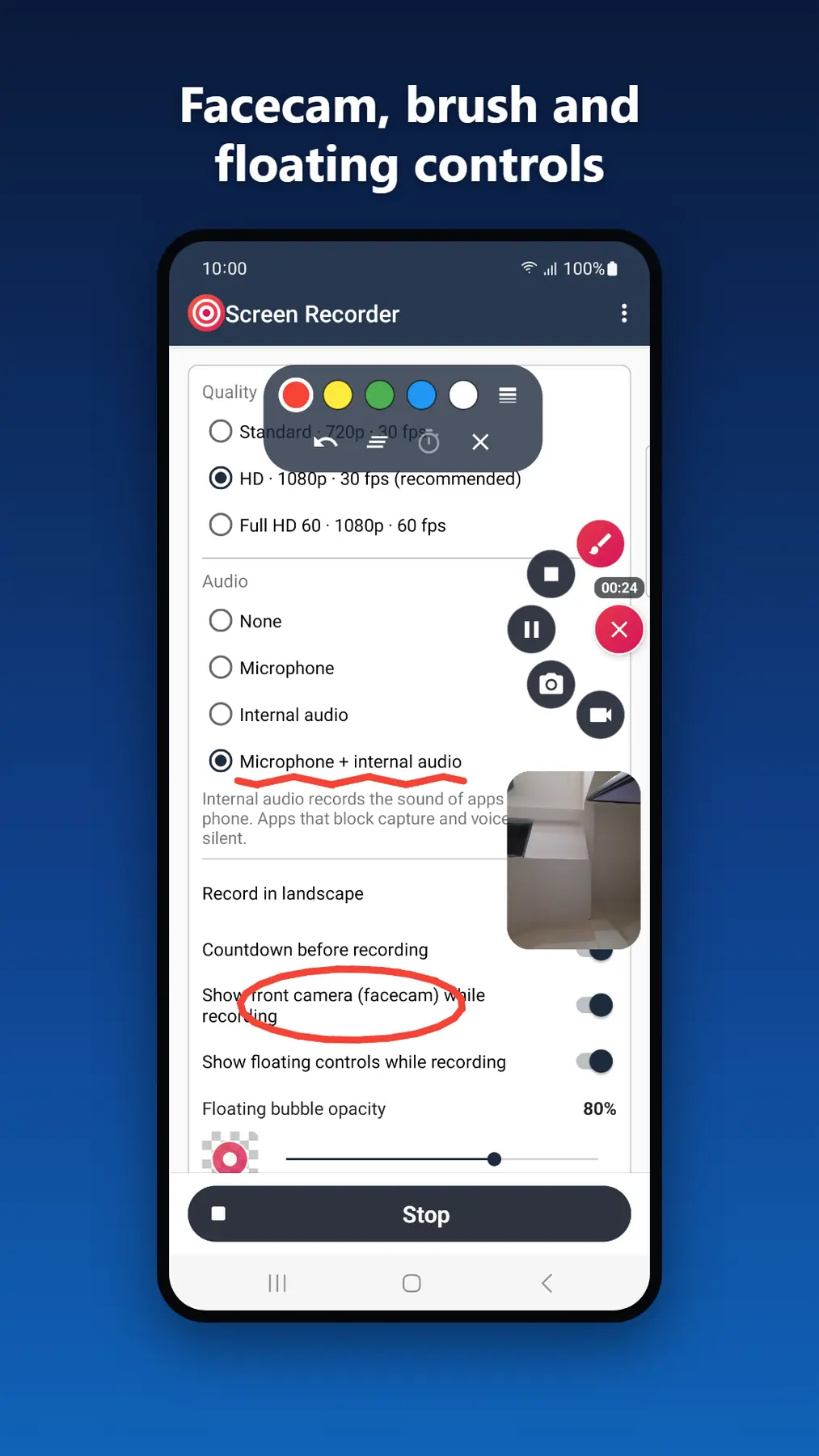
- 3-2-1 countdown and a floating bubble that fans out into controls: pause, resume, stop, screenshot, brush and facecam from any screen, with adjustable opacity
- Facecam: show your front camera in a bubble you can move and resize, great for game recording, reactions and tutorials
- On-screen brush: draw and highlight while you record
- Screenshots while recording or at any time from the app
- Portrait or landscape recording, with simple settings for beginners and advanced settings when you want more control
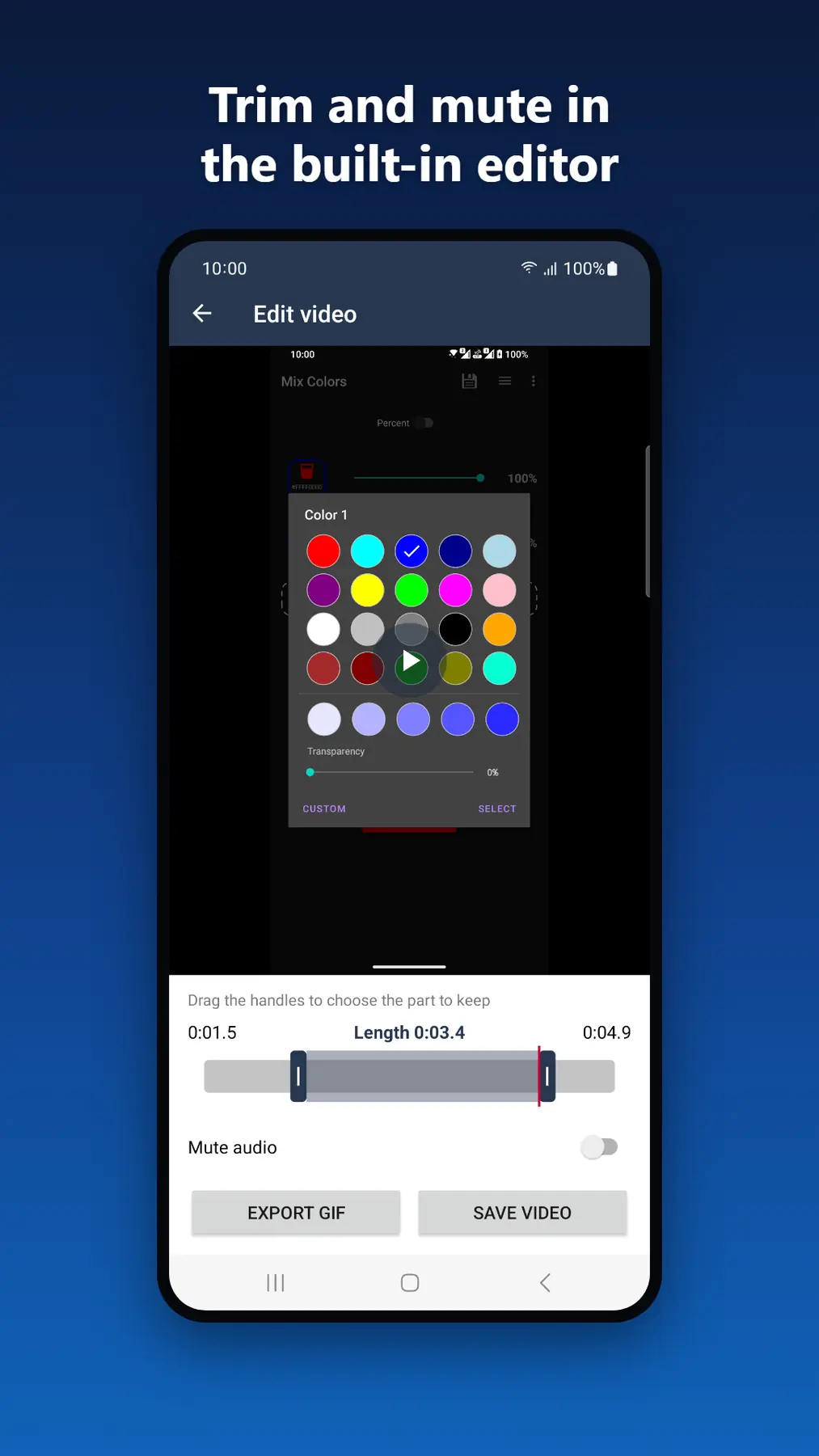
- Built-in video editor: trim the start and end, mute the audio and save a new copy
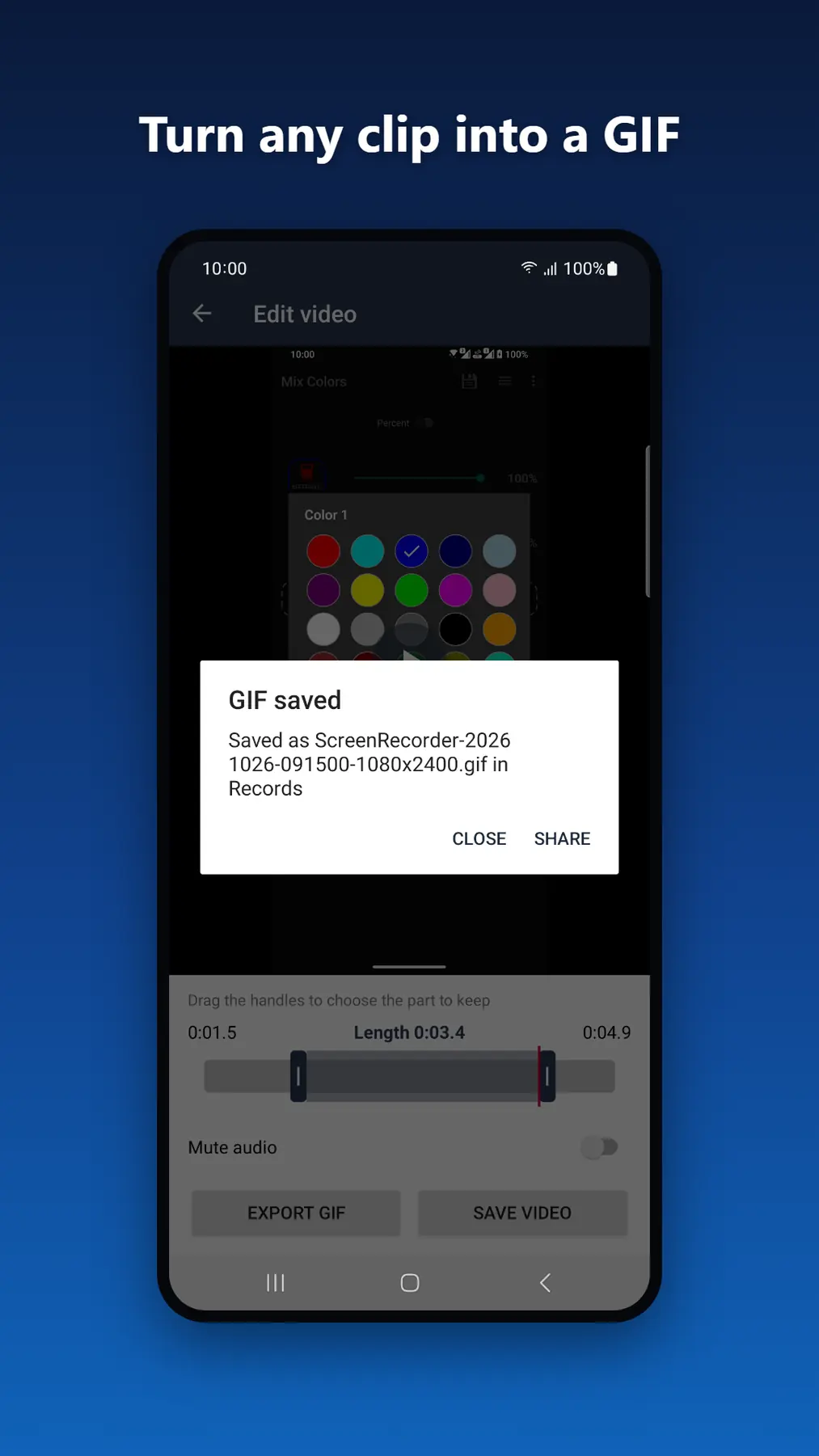
- GIF maker: export part of a video as a GIF to share anywhere
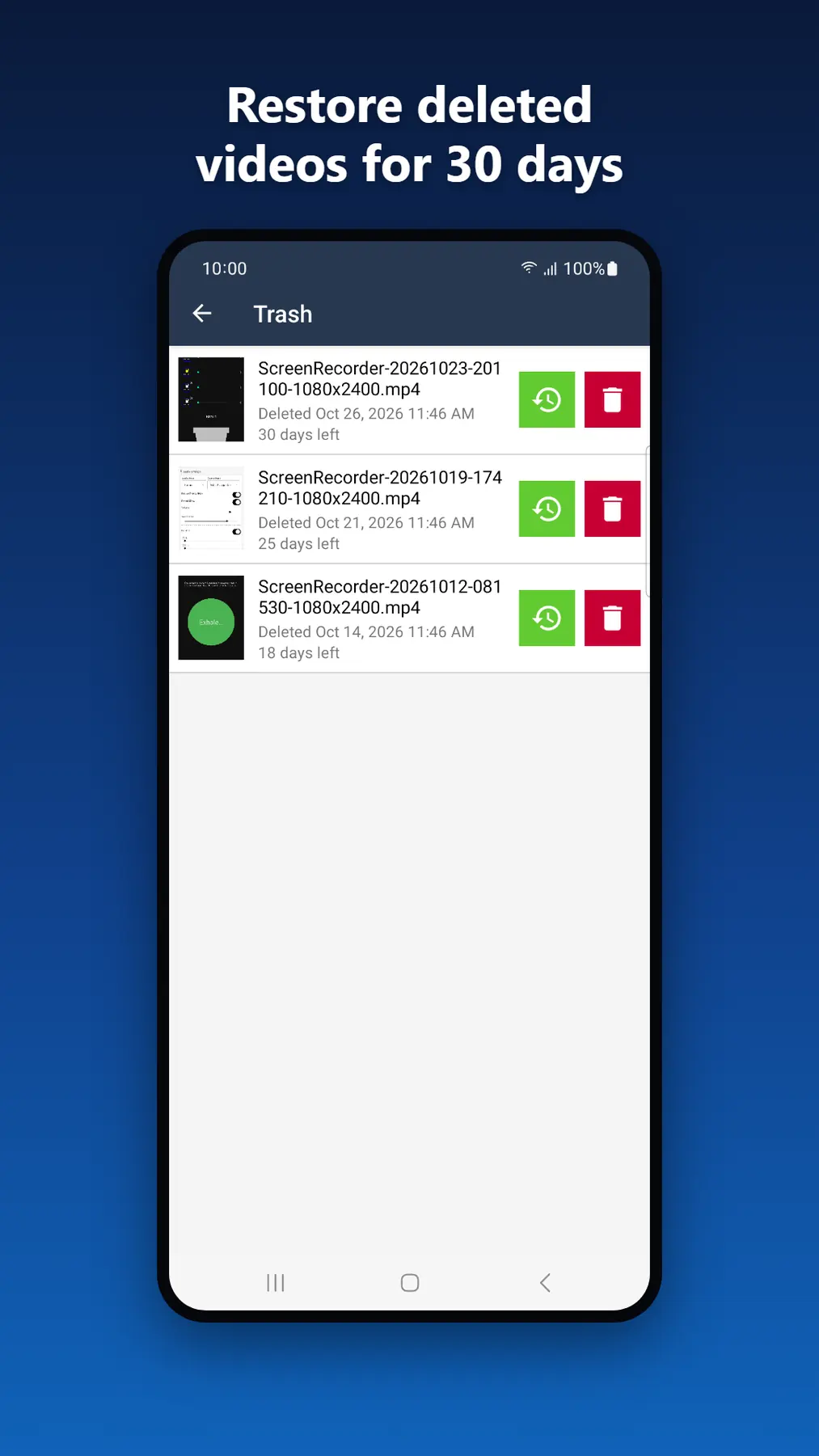
- Trash bin: deleted recordings can be restored for 30 days
- No watermark, no root needed and no recording time limit
- Recordings list: watch videos in the built-in player, rename, share, save or delete them
- Available in 65 languages
Whether you want a game recorder with facecam, a screen recorder with internal audio for tutorials, or a quick way to trim a clip and make a GIF, Screen Recorder does it in one lightweight app.
Free to use. Every feature is free, with no watermark and no recording time limit. The app is supported by ads, and you can watch one short video to turn ads off for 3 hours.
Your privacy matters: the screen, microphone and internal audio are captured only while you record, the camera is used only for the facecam bubble while you record, nothing is uploaded, and videos stay on your device unless you share them.
Watch the demo
How to use (video tutorial)
A step by step video guide to Mic To Speaker, narrated in English with English subtitles.
What's new
1.2.1
- Fixed a crash when starting a recording on some phones
- Fixed a crash caused by an unusual video codec setup
- Android 13 and newer now ask for notification permission, so the recording controls show
- New: watch the tutorial video from the menu
- New: Our Apps screen in the menu
1.2.0
- Record internal audio (Android 10+), or mic + internal together
- Facecam bubble and on-screen brush while you record
- 3-2-1 countdown, pause/resume and a floating control bar
- Simple quality presets, from 720p to Full HD 60 fps
- Take screenshots while recording or anytime
- Built-in editor: trim, mute and export GIF
- Trash: restore deleted videos for 30 days
Frequently asked questions
- Can it record sound from other apps?
- Yes, on Android 10 and later: choose Internal audio, or Microphone + internal audio. Apps that block audio capture, and calls, stay silent in the recording. On older Android versions only the microphone can be recorded.
- Is the facecam uploaded anywhere?
- No. The facecam is optional and only on when you turn it on. The front camera preview is shown on your screen, becomes part of your recording and is processed only on your device. Nothing is uploaded; your videos stay on your phone unless you share them.
- Why does Android ask for permission every time I start recording?
- Android asks you to confirm every screen capture to protect your privacy. Recording starts only after you allow it.