
My Tools
Free all-in-one toolkit: notes, habits, flashcards, calorie tracker and more.
A small, free web tool related to this app. It is not a web version of the app and has far fewer features.
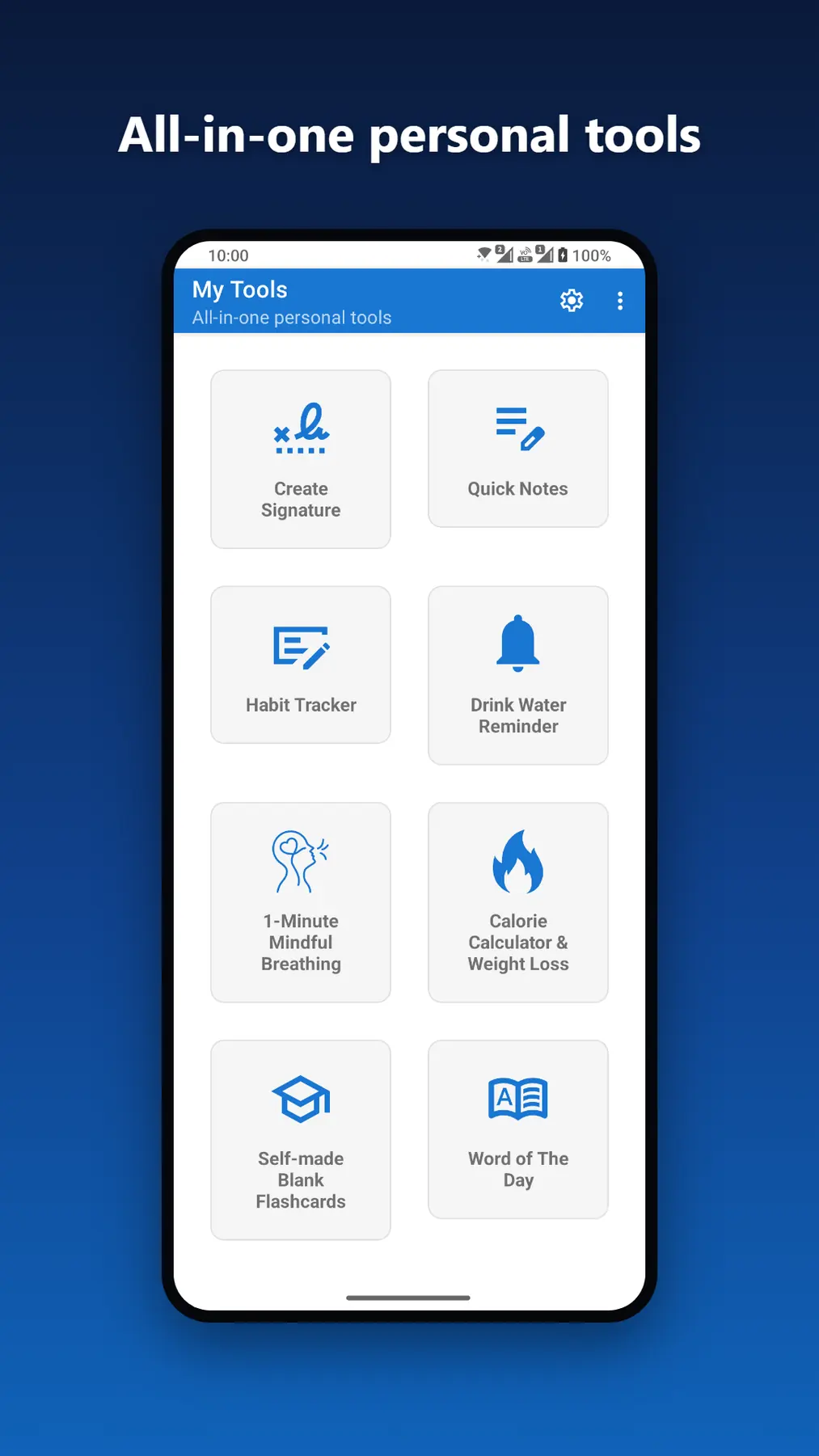
My Tools is a free all-in-one app for productivity, health and learning: 8 lightweight yet powerful tools combined into a single app. Whether you want to boost productivity, build healthier habits or learn smarter every day, you get one toolkit instead of separate downloads and clutter.
Features
Quick Notes
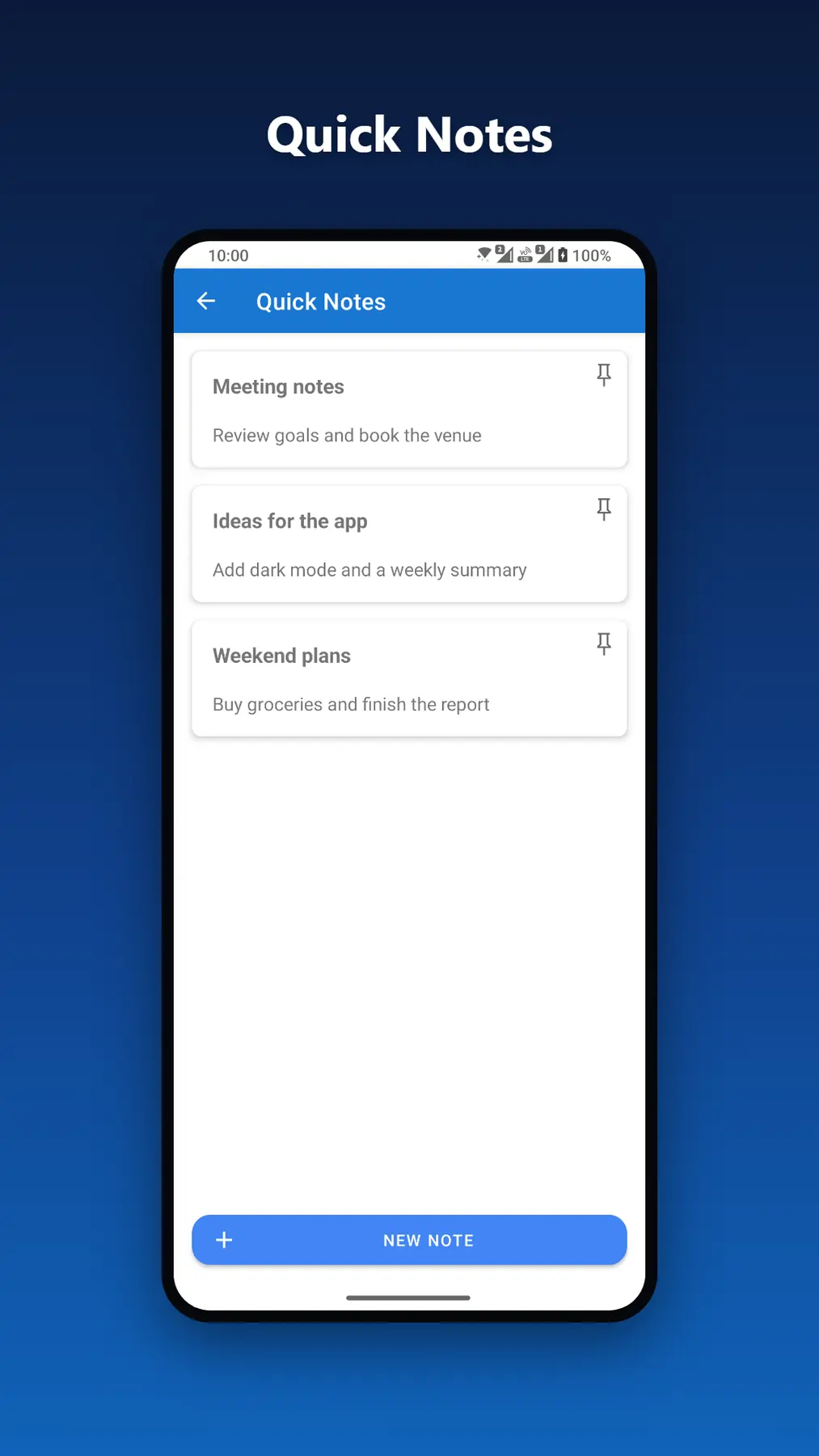
A simple, secure notes tool to capture ideas, reminders and to-do lists in seconds. Keep your notes private with optional encryption.
Habit Tracker
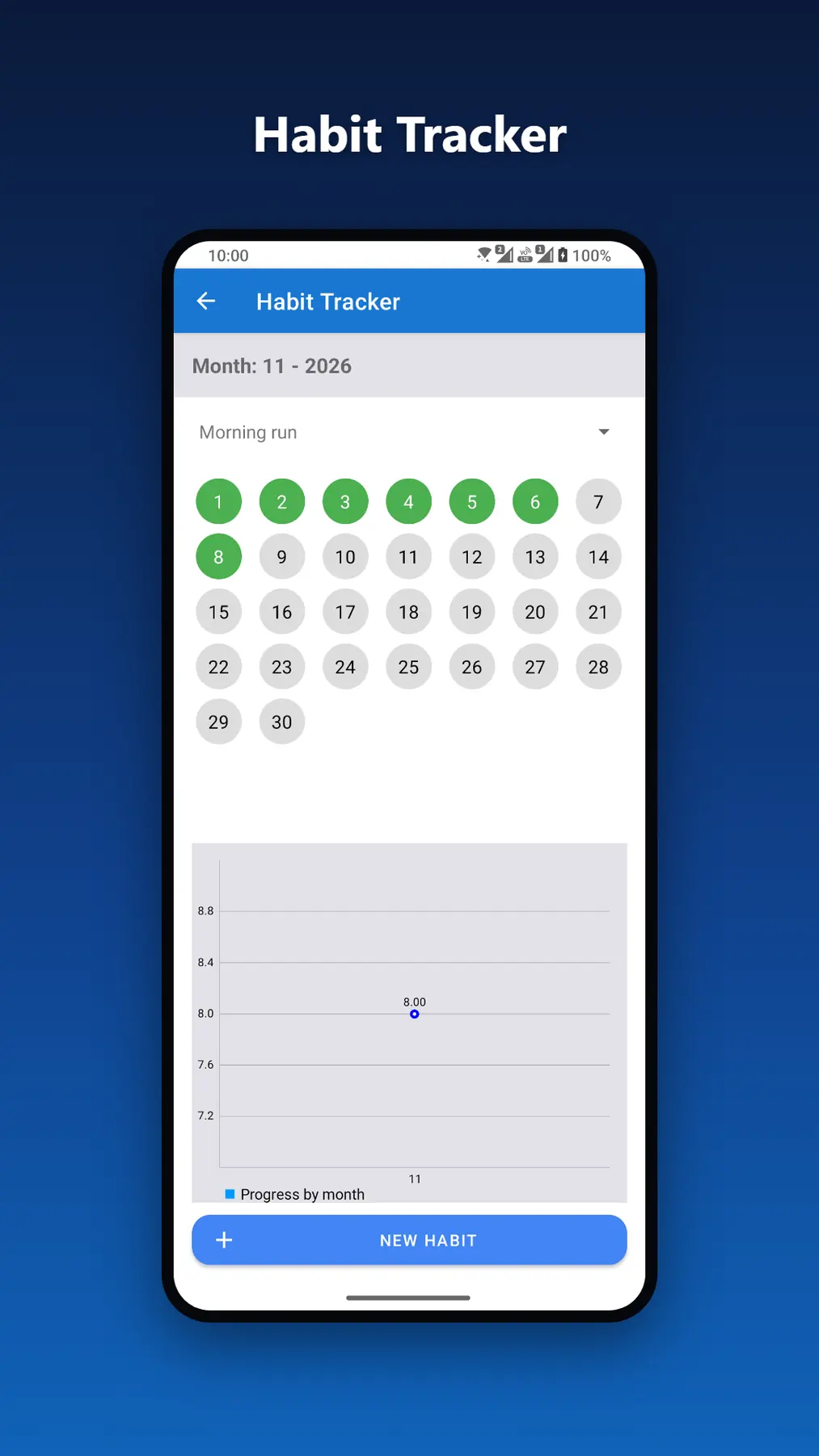
Build better habits with a daily habit tracker and check-in calendar. Track goals like reading, exercising or drinking water, and stay consistent with visual progress charts.
Self-made Flashcards
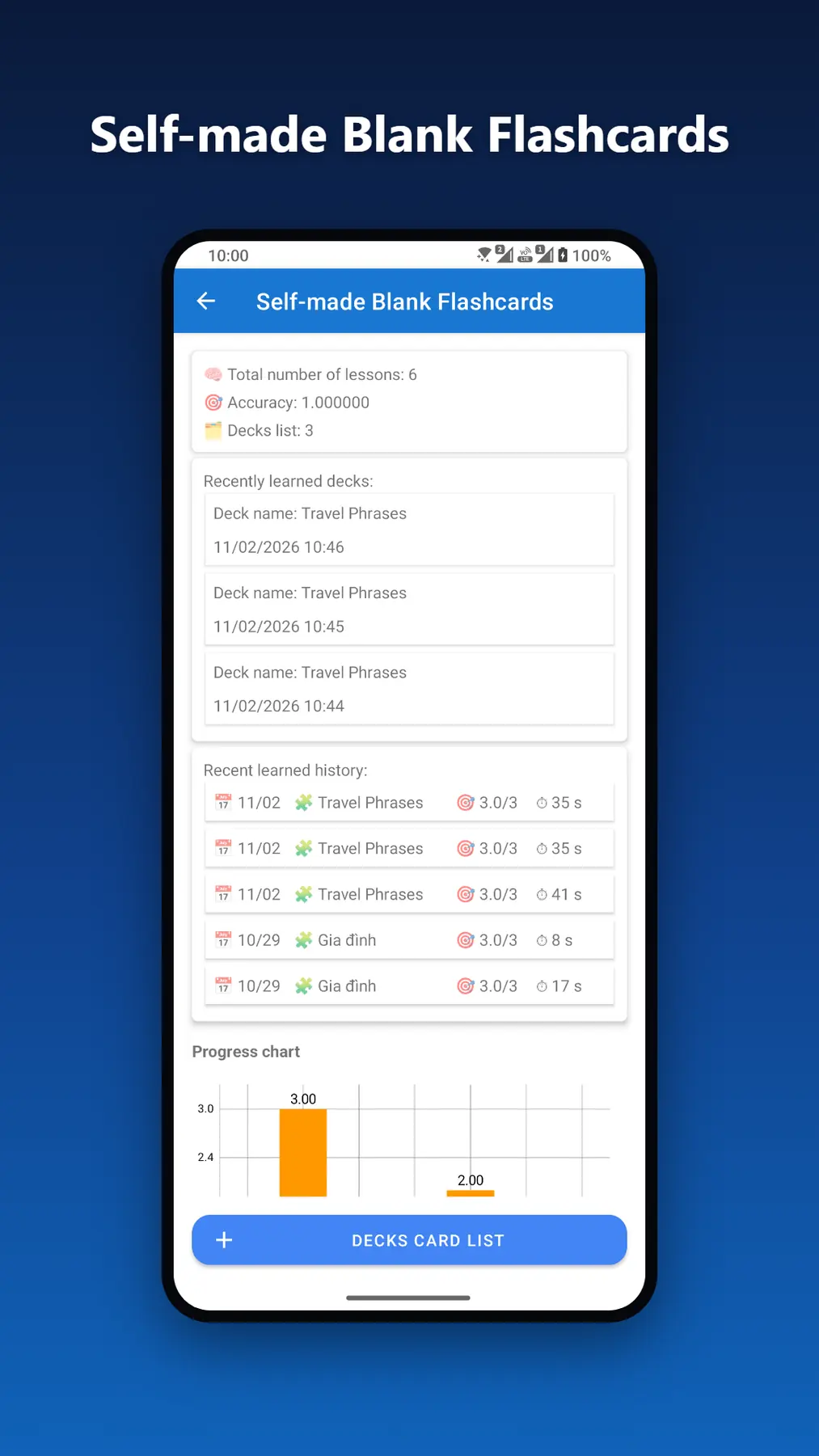
Create your own flashcards for studying: build custom Q&A decks to memorize vocabulary, lessons or exam material, then practice anytime, anywhere.
Drink Water Reminder
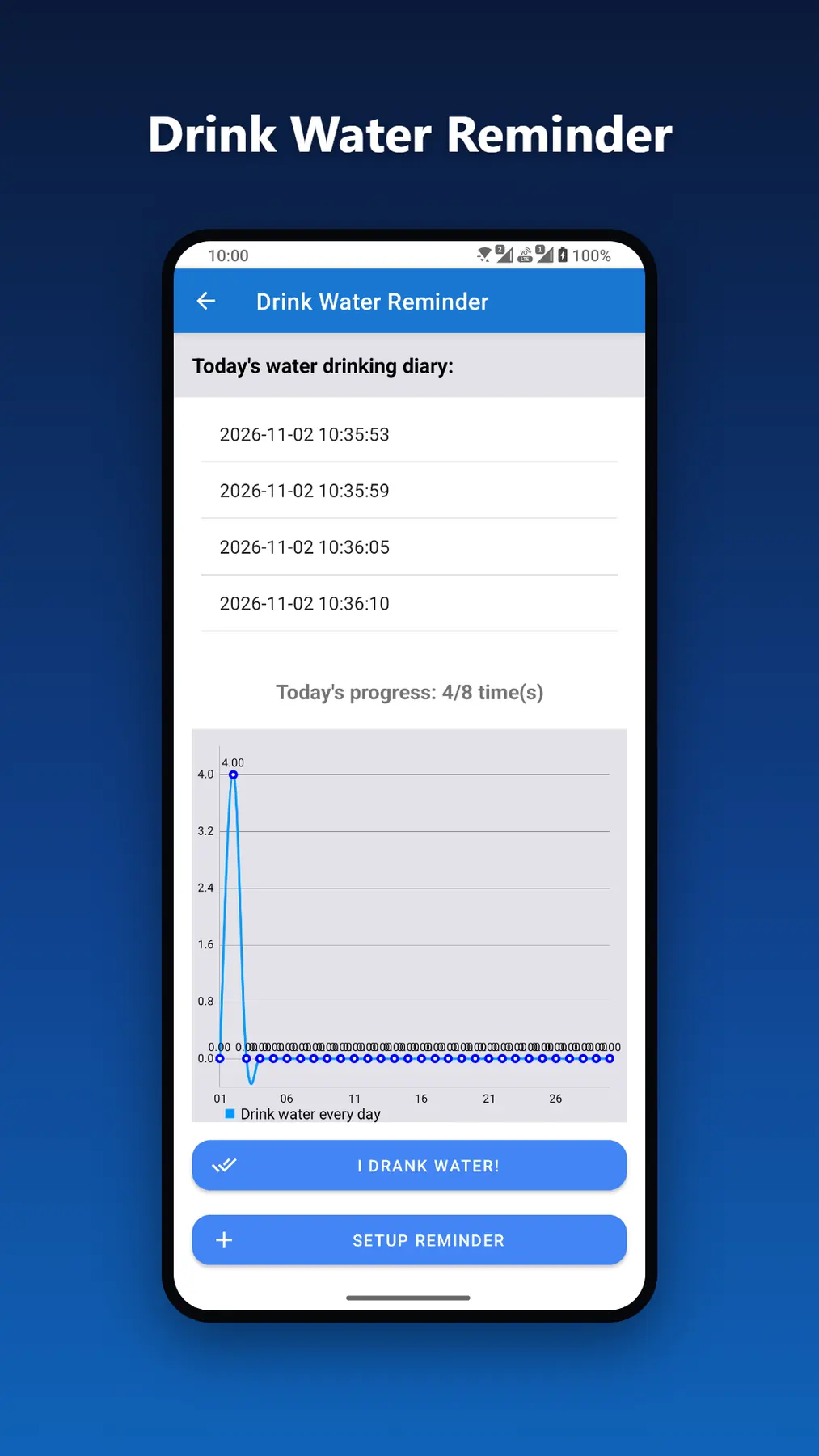
Set water reminders to stay hydrated throughout the day, with daily progress tracking.
1-Minute Mindful Breathing
Feeling stressed? Open the app for a guided 60-second breathing exercise. It is quick, calming and easy to fit into a busy workday.
Calorie Calculator & Weight Loss
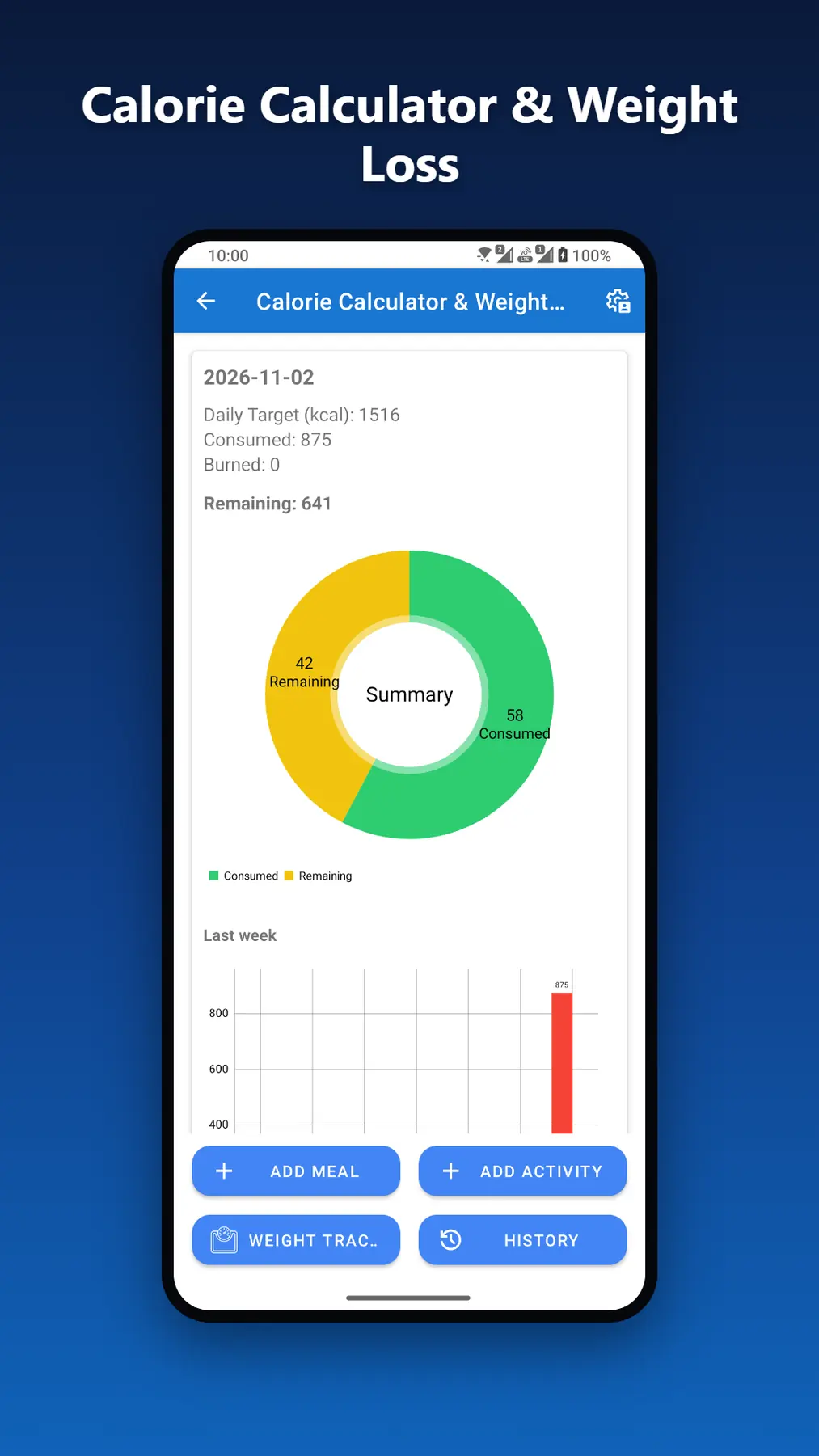
A calorie counter and weight loss tracker: log meals and workouts, calculate your personal TDEE/BMR and manage your daily calories. All data syncs to the cloud, so your progress is always backed up.
Create Signature
Draw a digital signature and export it as a transparent PNG for contracts, documents and online forms, no printing or scanning needed.
Word of the Day
Grow your vocabulary with a new word every day, complete with meaning and example sentences.
Why My Tools?
- Free, with no hidden costs: 8 tools in one lightweight app; supported by ads, and you can watch one short video to turn ads off for 3 hours
- Cloud sync keeps your notes, habits, decks and calorie data backed up across devices
- Clean, minimal, distraction-free design
- One app for productivity, health and learning instead of 8 separate apps
Who is it for?
- Students who need flashcards, notes and a daily word to learn faster
- Professionals who want a signature tool, reminders and a habit tracker to stay organized
- Anyone working on weight loss, hydration or stress relief through mindful breathing
Watch the demo
What's new
1.3.1
- Fixed a crash when editing a flashcard deck
- Fixed a crash when picking a month in the habit tracker
- Fixed a crash when starting a flashcard study session before the cards finished loading
- Tidied the deck action buttons so labels no longer wrap
1.3.0
- New: watch one short video to turn off all ads for 3 hours
- New: the app can now tell you when an update is available and install it without leaving the app
- New: a short rating request may appear after you have used the app a few times
1.2.0
- You can now delete your account and all your data right from Settings
- New privacy options for users in Europe, available in Settings
- Improved app name translations in several languages
- Stability improvements
1.1.0
- Redesigned home screen with a cleaner, modern grid layout
- Full support for the latest Android edge-to-edge display
- Improved app stability and performance
Frequently asked questions
- Is my data synced between devices?
- Yes. When you are signed in, your data is saved to the cloud and is available on any device where you sign in with the same account.
- How do I delete my account?
- Follow the steps on the Delete account page linked at the bottom of this page.